Trophies
Track current trophies, personal bests, and progress over time.
Track your trophies, current deck, clan info, card collection, battle history, and player progress using only your player tag. No password required.
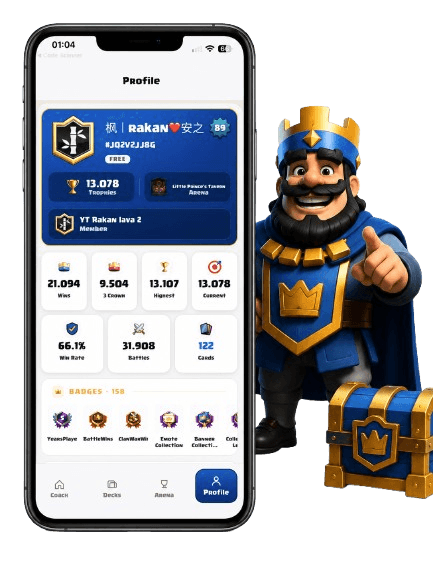
Track current trophies, personal bests, and progress over time.
See the active deck connected to your public player profile.
View clan name, role, and profile context in one place.
Review cards, levels, and collection progress from your profile.
Understand recent match activity and battle history patterns.
Follow player level, XP, and long-term account progress.
RoyaleCoach AI only uses your player tag and public player data. We never ask for your Clash Royale password.
Launch Clash Royale on your device.
Open your player profile from the main screen.
Find the tag under your name and copy it.
Use the tag to load public profile data in seconds.
View your profile, trophies, clan, win rate, battles, cards, and badges from a real app screen. The profile loads from public player data using your player tag.
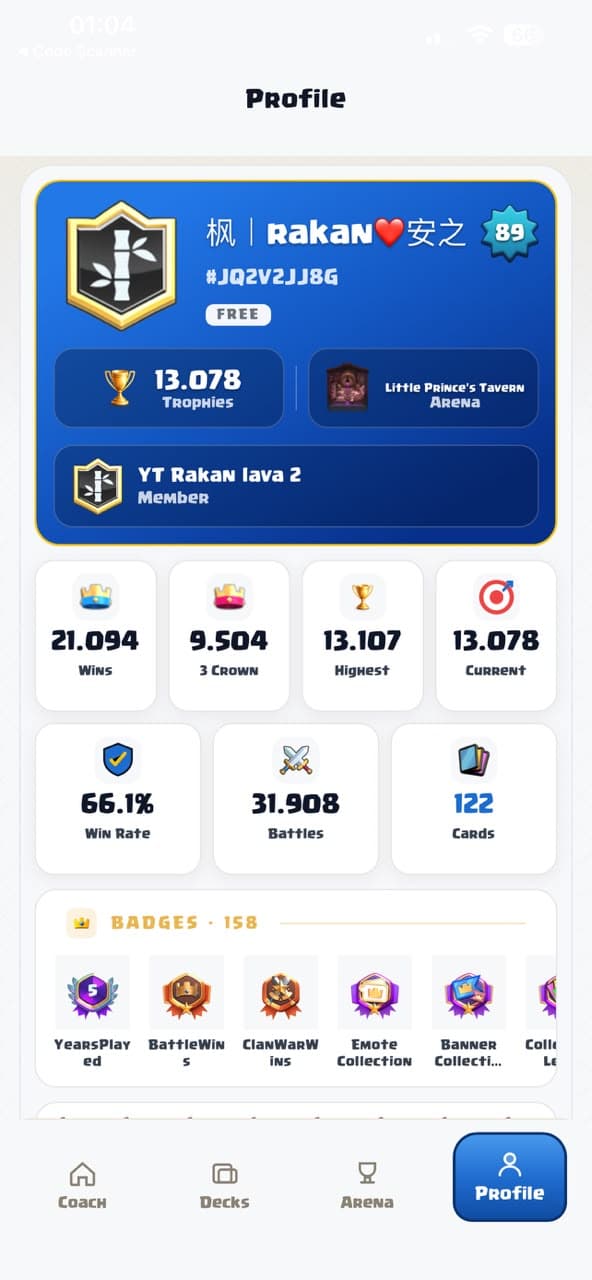
The game itself shows surprisingly little about your own play. Your full profile — unlocked by just your player tag — carries far more signal:
Trophy count is a lagging indicator — it tells you where you have been. The leading indicators are your recent win rate, your results by opposing archetype, and your card level gaps against players at your trophy goal. Tracking those three turns a vague feeling like “I keep losing lately” into a specific, fixable problem, and they respond to changes weeks before your trophy count does.
Because any public tag works, the profile is also a study tool: look up stronger players who run your deck and compare levels, swaps, and recent results. And unlike a plain stats site, RoyaleCoach AI interprets the numbers — Deck Analysis turns your history into coaching, and Meta Decks shows the field you are climbing through. The full walkthrough is in our stats tracker guide, or get the appand load your profile in seconds — no password, ever.
Download RoyaleCoach AI and track your profile in seconds.